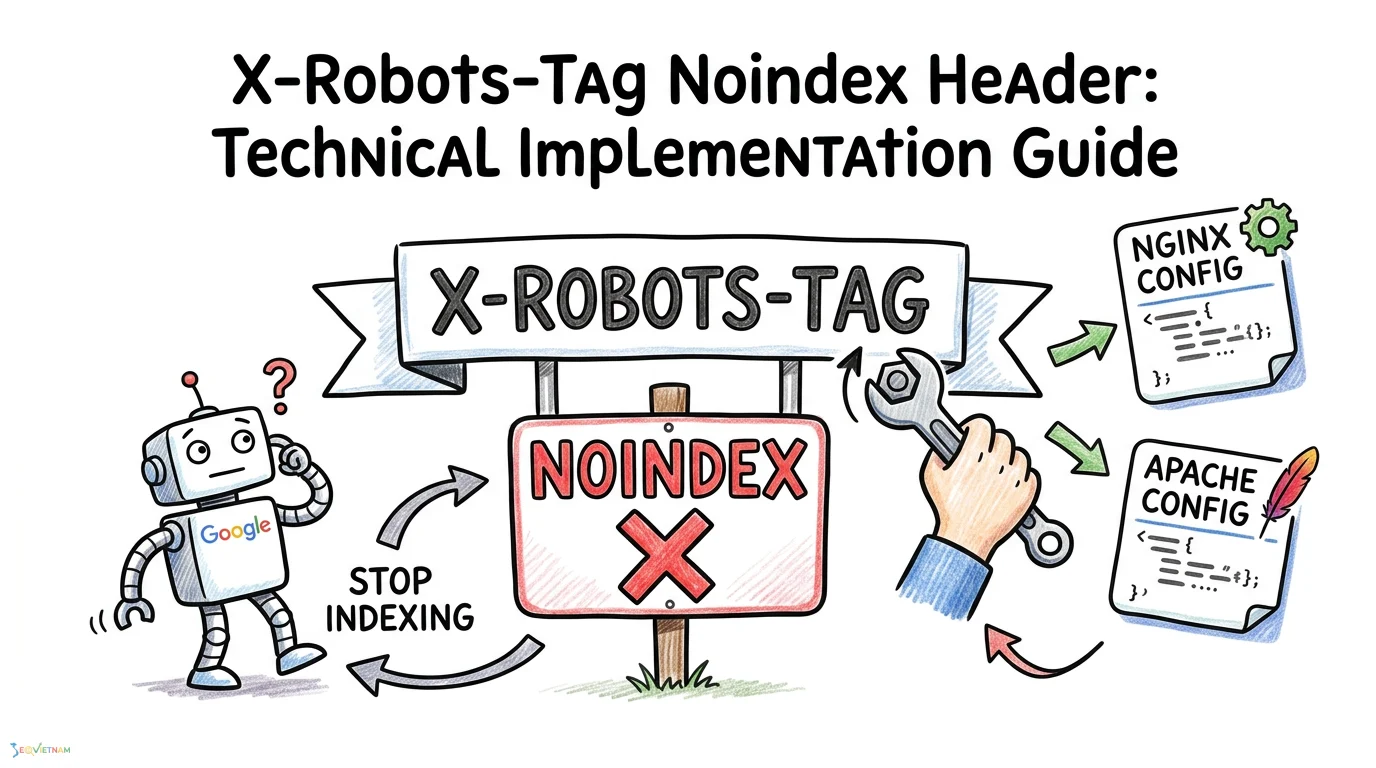
Controlling how search engines index your non-HTML files requires more than standard HTML tags. The X-Robots-Tag HTTP header provides server-level directives to manage indexing for PDFs, images, and other resources that cannot host a standard meta tag. This guide covers the technical implementation of the noindex header using the X-Robots-Tag, providing server configuration snippets for Nginx and Apache, alongside troubleshooting steps to ensure Googlebot processes your directives correctly.
What is the X-Robots-Tag header?
The X-Robots-Tag is an HTTP response header used to send crawling and indexing directives to search engine bots. While standard HTML pages can rely on document-level tags, non-HTML resources like PDF documents, video files, and raw data feeds cannot. By configuring your server to return an X-Robots-Tag header, you can instruct Googlebot and other crawlers to drop specific files from their search index.
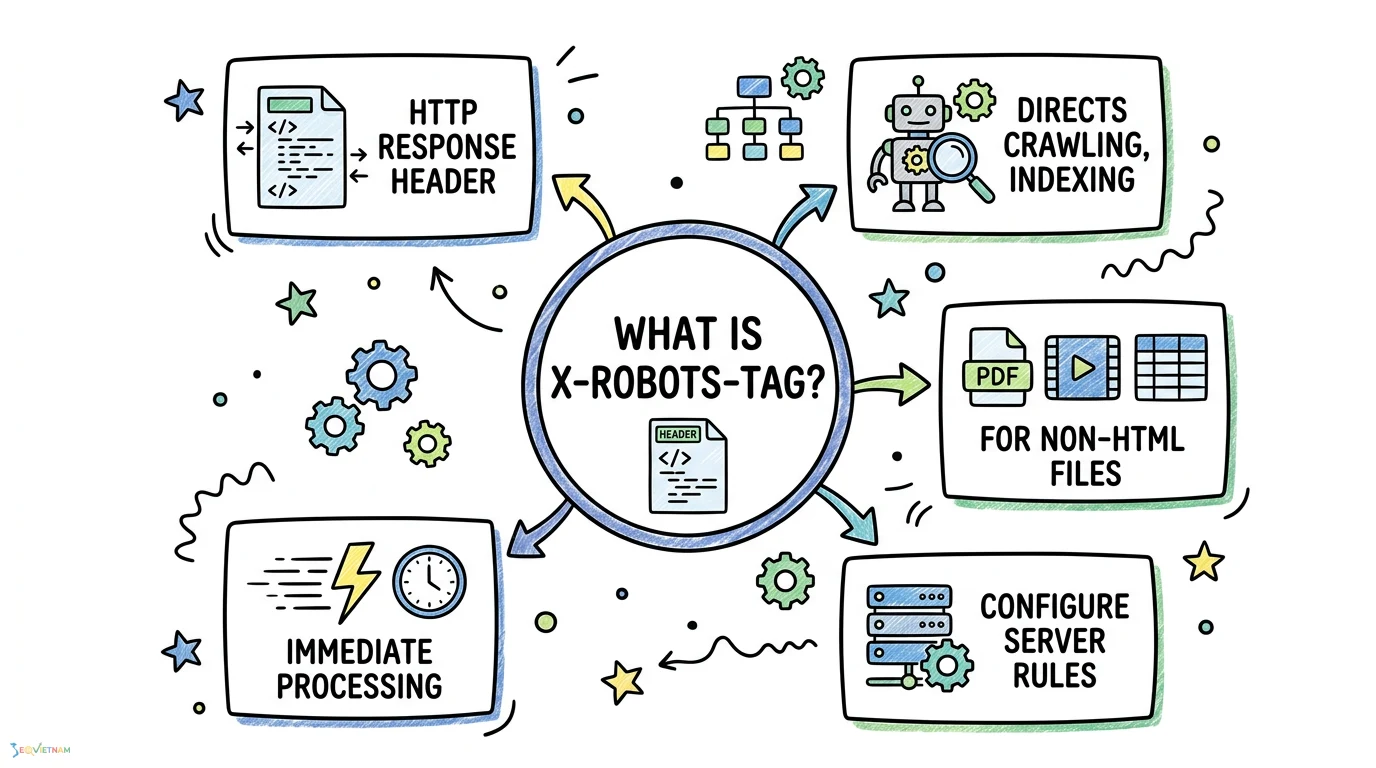
For a deeper dive into how these directives function, reviewing the cơ chế hoạt động của thẻ noindex provides valuable context. When a search engine requests a file from your server, the server responds with HTTP headers before delivering the actual file content. If the X-Robots-Tag is present in this initial response, the crawler processes the indexing rules immediately, making it a highly efficient method for managing search visibility.
X-Robots-Tag vs meta robots: Which to use?
Both methods achieve similar outcomes but serve different architectural needs. Deciding between them depends entirely on the file type you are targeting and the level of server access you possess.
|
Feature |
X-Robots-Tag HTTP Header |
Meta Robots Tag |
|
Target file types |
All files (PDFs, images, HTML) |
HTML documents only |
|
Implementation level |
Server configuration (Nginx, Apache) |
Document head (HTML) |
|
Performance impact |
Highly efficient (processed before rendering) |
Requires HTML parsing |
If you only need to manage standard web pages, relying on the cấu hình meta robots để kiểm soát bot is often the most straightforward approach. However, understanding the vai trò của các meta tag trong SEO kỹ thuật alongside server headers ensures you have a comprehensive strategy for technical SEO across all asset types.
How to implement X-Robots-Tag: noindex
Applying a noindex directive via the X-Robots-Tag requires modifying your server configuration files. Below are the standard implementations for the two most common web servers. These snippets can be adapted to target specific file extensions or entire directories.
Nginx configuration
To add the header in Nginx, you will use the add_header directive within your server or location block. This is particularly useful for preventing the indexing of document files that you host for users but do not want appearing in search results.
location ~* \.(pdf|doc|docx)$ { add_header X-Robots-Tag "noindex, nofollow"; }
This configuration instructs the Nginx server to append the noindex and nofollow directives to the HTTP response for any PDF, DOC, or DOCX file requested by a client or crawler.
Apache configuration
For Apache servers, you can apply the header using the .htaccess file or the main server configuration file. You must ensure the mod_headers module is enabled on your server for this to function.
<FilesMatch "\.(pdf|doc|docx)$"> Header set X-Robots-Tag "noindex, nofollow" </FilesMatch>
This Apache snippet achieves the exact same result as the Nginx configuration, ensuring that specified file types are served with the correct indexing restrictions.
Expert nuance: The relationship between robots.txt and the noindex header
A common technical SEO mistake is blocking a URL in the robots.txt file while simultaneously applying an X-Robots-Tag noindex header. If Googlebot is blocked from crawling a URL via robots.txt, it will never request the file and, consequently, will never see the HTTP response headers.
Because it never discovers the noindex directive, the URL may still appear in search results as an indexed but uncrawled page if it is linked from elsewhere on the web. Always allow crawling in your robots.txt file if you want search engines to discover and respect your noindex header.
Common pitfalls and troubleshooting
Verifying your server headers ensures your directives are functioning as intended and prevents accidental deindexing of critical assets. When auditing your implementation, follow a structured troubleshooting approach.
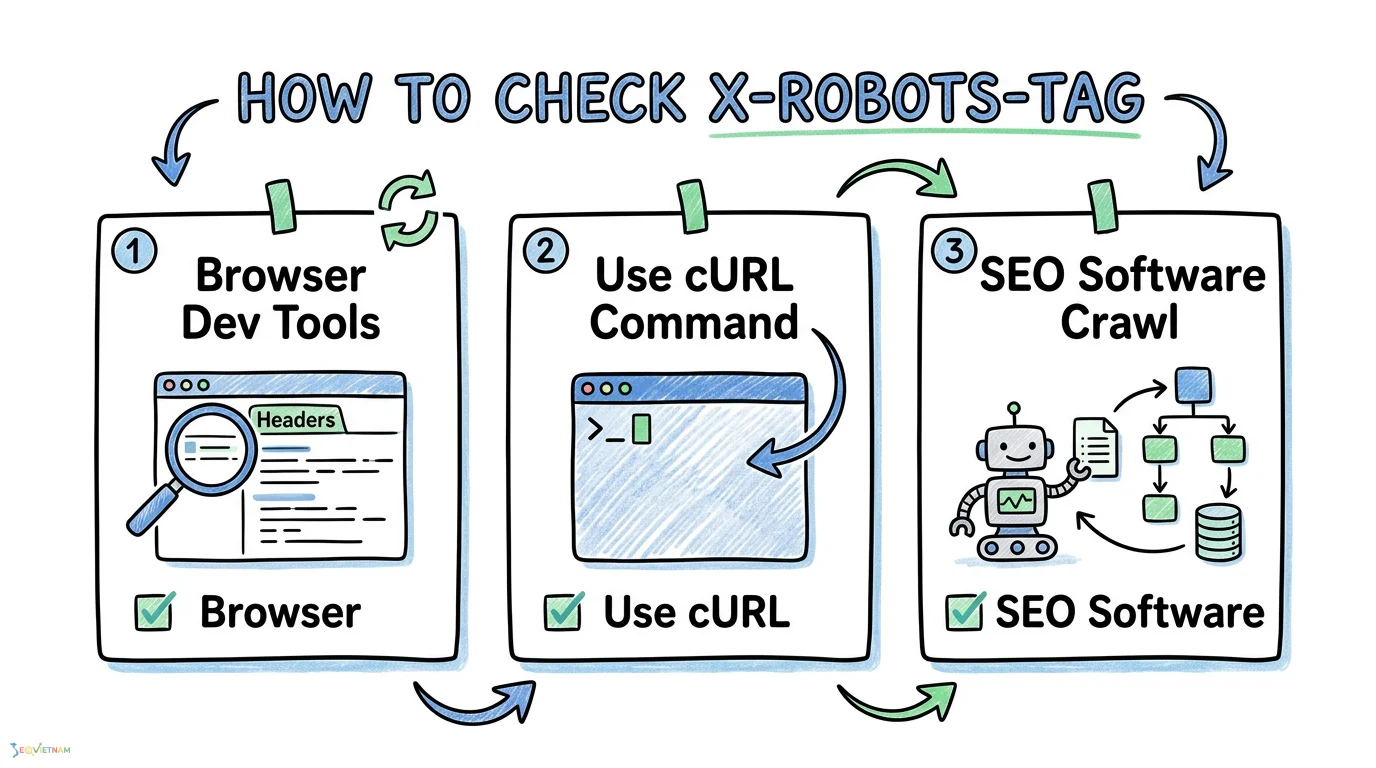
- Check live HTTP headers using the Network tab in your browser's developer tools to confirm the server is outputting the tag correctly.
- Audit the site using crawling software like Screaming Frog to identify conflicting directives across different server environments.
- Monitor Google Search Console for "noindex detected" errors to confirm Googlebot has successfully processed the tag on the intended URLs.
If you notice unexpected drops in organic traffic, immediately verify that your server configuration has not applied the X-Robots-Tag globally across your entire domain.
Frequently asked questions
What happens if I have both meta robots and X-Robots-Tag?
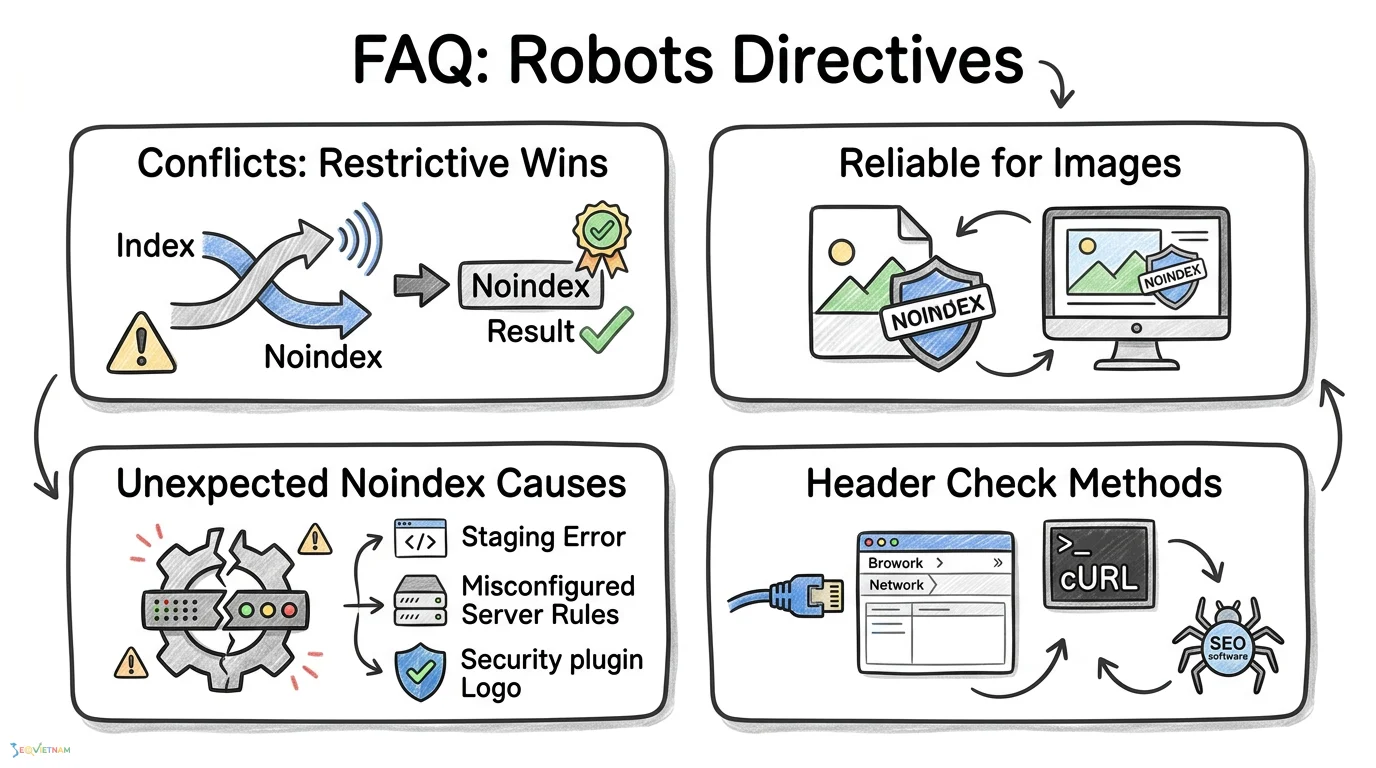
If both are present and conflict, search engines typically respect the most restrictive directive. If the HTTP header says noindex and the HTML says index, the page will be dropped from the index. Aligning both signals is the best practice to avoid unpredictable indexing behaviour.
Can I use X-Robots-Tag for images?
Yes. The HTTP header is the only reliable way to apply a noindex directive directly to image files, as standalone images cannot contain HTML meta tags.
Does X-Robots-Tag override meta robots?
It does not strictly override it; rather, search engines combine the directives. The most restrictive rule will always take precedence during the indexing evaluation process.
Why is my site showing noindex in X-Robots-Tag unexpectedly?
This usually happens due to a misconfigured server rule, a rogue staging environment configuration that was accidentally pushed to production, or a security plugin automatically applying restrictive headers.
How do I check the X-Robots-Tag header?
You can verify the header by inspecting the network request in your browser's developer tools, using command-line tools like cURL to fetch the headers, or running a comprehensive crawl with dedicated SEO software.
Conclusion
Mastering the X-Robots-Tag HTTP header provides precise, server-level control over how search engines interact with your non-HTML assets. By correctly configuring your Nginx or Apache servers and ensuring your robots.txt file allows crawling, you can prevent unwanted files from cluttering the search results. Regular audits using Google Search Console and crawling tools will help maintain a clean, intentional, and technically sound indexing strategy.
Bài viết liên quan
https://seovietnam.vn/robotstxt-la-gi/